gePoints
Visualizing Point Data in Google Earth with R
Preface
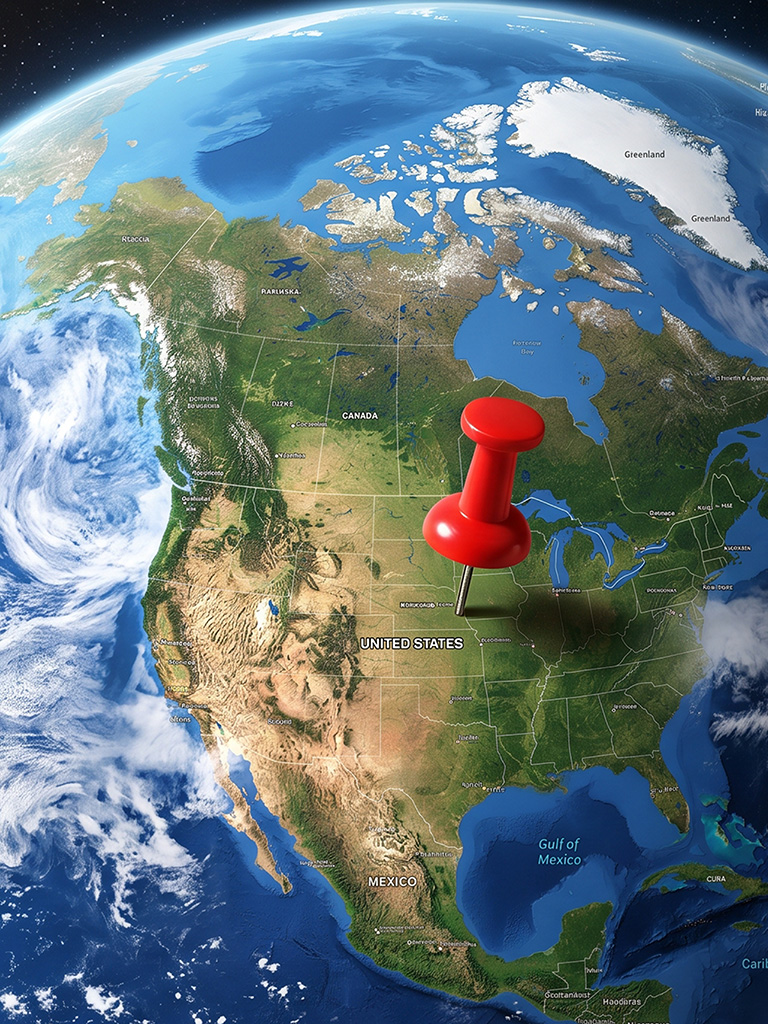
You don’t always have a good map when you go to a remote place.
In the Marshall Islands, the only map of Ailinginae Atoll carried a corner notation warning that positions were known to be off by as much as 20 miles. So the mapped geographic coordinates were no help.
A research team had been invited to conduct a biological survey of this uninhabited atoll in preparation for its designation as a national park. These would be the first people to set foot there since the era of atomic testing. The survey depended on locating transects across the small land areas, and for that, the team needed positions they could trust.
This was the early days of GPS. A handheld receiver gave coordinates. But there was no base map to place them on. The receiver could store waypoints, and that was useful — anchor points, camp location, reef passages recorded as numbers in a device.
Some years later, those waypoints became something more. Google Earth provided what had not existed during the survey: high-resolution satellite imagery of the atoll. The stored coordinates could now be overlaid on that imagery, producing a visual record that serves two purposes. First, it provides a reference for relocating key survey sites so that positional accuracy can be verified. Second, it gives subsequent survey teams a base map that the original team never had. The Google Earth images supply both the spatial context and the visual detail that are essential to the verification process.
The technical step that connects field coordinates to Google Earth is simple: convert an R data frame to KML — the markup language that Google Earth reads natively. Five placemarks on Ailinginae became the authoritative spatial record for the atoll:
Anchor 1    166.3645, 11.1347
Anchor 2    166.4315, 11.1354
Camp        166.5264, 11.1148
Passage 1   166.3250, 11.1316
Passage 2   166.3535, 11.1254
That field problem — turning a handful of coordinates into a visual overlay on a real landscape — is exactly what gePoints does. The package takes an R data frame with latitude, longitude, and optional styling columns, and produces a KML file that opens directly in Google Earth. One function call. No GIS software. No intermediate formats.
This book documents the package through worked examples drawn from ecology, botany, and cultural geography. Every example uses real data. Every code chunk is runnable. The datasets range from eight points to several hundred, and the applications range from plotting herbaria on a world map to mapping rainfall stations across Kauai where the precipitation spans an order of magnitude in 30 kilometers.
Why KML?
KML (Keyhole Markup Language) is the native format for Google Earth. A KML file is XML with a specific schema — it describes points, lines, polygons, and styles that Google Earth renders on a 3D globe. For point data, the key advantage is immediacy: double-click a .kml file and the points appear on the Earth, with labels, colors, and popup information, in the context of satellite imagery, terrain, and any other layers the viewer has loaded.
For field researchers, this matters. A CSV file of coordinates is abstract. The same coordinates rendered on Google Earth are a map you can hand to a collaborator, a park manager, or a ship captain. The gePoints package bridges that gap with minimal ceremony.
How this book is organized
The first four chapters cover the package itself: installation, the create_kml() function, marker styling, and text labels. The remaining chapters are worked examples, each built around a real dataset. The examples progress from simple to complex:
- Ecological Research Sites — 20 NEON core sites across the US
- Herbaria of the World — 9 major botanical collections with specimen counts
- Kauai Rainfall Gradient — 15 stations from coast to summit, 531 mm to 10,004 mm annual rainfall
- Zundert Hamlets — 21 villages in Van Gogh country, Netherlands
Each example chapter provides context for