Appendix
How it’s built
This is the part for the practically minded. Everything above was about why the tool exists. This is about what it’s made of, and it’s here because I think the construction carries the argument as well as the prose does.
One idea runs through the whole thing. Almost nothing a student sees is code. It’s data. The tissues, their colors, their percentages, the explanations, the word origins, even the welcome message that plays when the app opens, all of it lives in small text files that anyone can open and edit. The program is a reader. The content is a table. That separation is what makes the tool cheap to correct, and being cheap to correct is what let the color audit in Chapter 5 happen at all.
There are three of those files.
The slide list
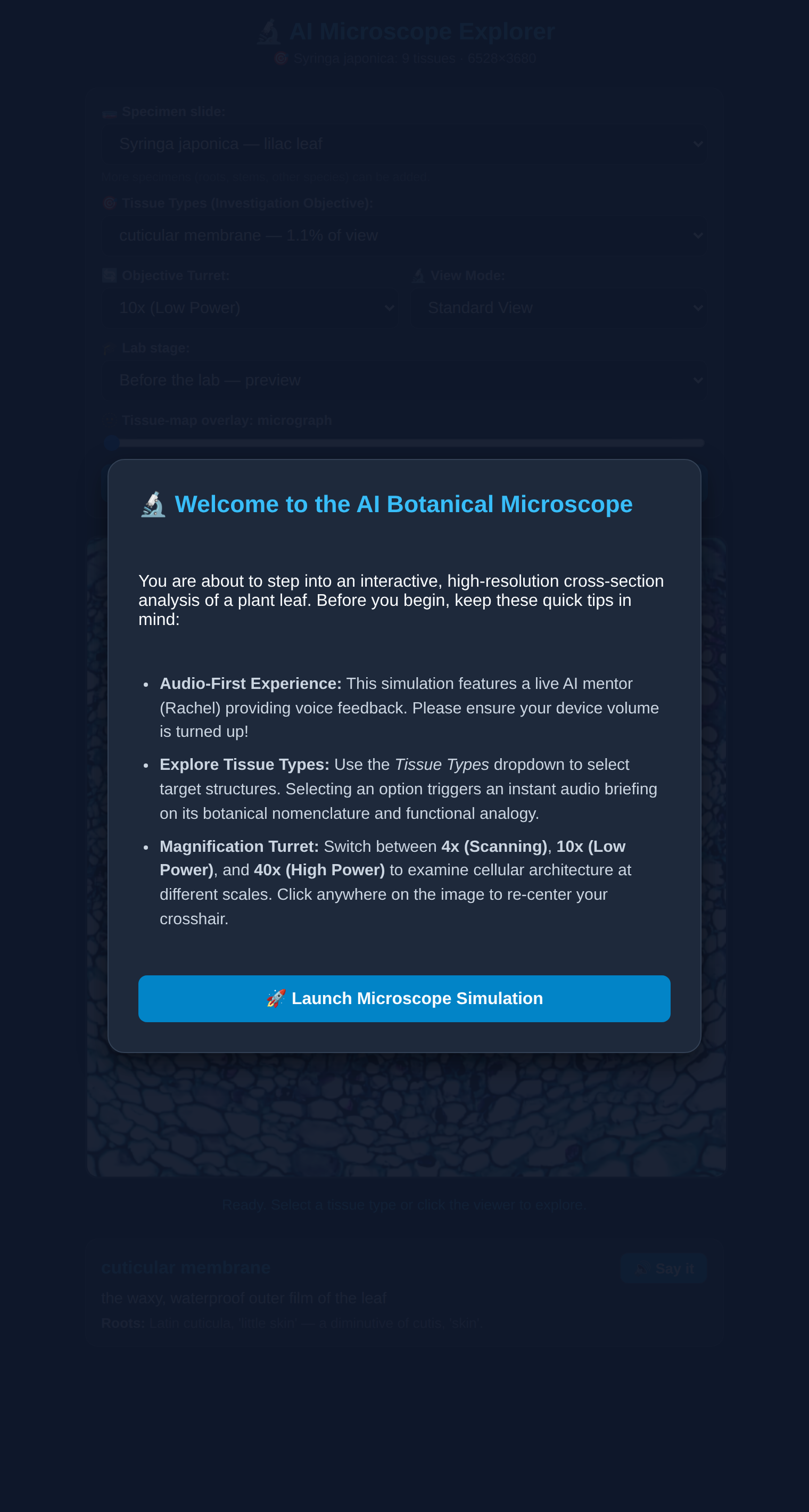
The first is slides.json. It does two jobs. It names the slides available in the microscope, and it holds the text of the launch introduction.
{
  "intro": "If you're here for the first time, welcome! ...",
  "slides": [
    { "id": "syringa_japonica",
      "label": "Syringa japonica — lilac leaf",
      "manifest": "slide_syringa.json" }
  ]
}
The introduction being in there matters more than it looks. That paragraph is the first thing a student hears, so it’s the part I most wanted to be able to fiddle with. It sits in the data file, next to the slide list, and I can rewrite it without touching a line of program. Right now there is one slide. Adding a second is a matter of adding a second entry.
The slide manifest
The second file is the manifest for a particular slide. For the lilac leaf, that’s slide_syringa.json, and it’s the heart of the identification.
It points at two images. One is the micrograph the student looks at. The other is a color mask, the same image with every tissue painted a single flat color. Then it lists the tissues, and for each one gives the exact color that stands for it and the percentage of the leaf it occupies.
{
  "id": "syringa_japonica",
  "image": "leaf_section.jpg",
  "mask": "color_layer_clean.png",
  "match": "exact",
  "pct_basis": "clickable footprint of the leaf (interior partitioned to nearest tissue)",
  "tissues": [
    { "key": "palisade mesophyll", "color": [32, 146, 20], "pct": 11.4 },
    { "key": "xylem", "color": [234, 36, 35], "pct": 7.6 }
  ]
}
Three details are worth pulling out.
"match": "exact" means the program does no guessing. When a student clicks, it reads the color under the click and looks for that exact triple in the table. No nearest neighbor, no tolerance band. If the mask is clean, the answer is certain. If the mask is dirty, the answer is nothing at all, which is the honest failure and far better than a confident wrong one. That single word is the reason the color audit was necessary. It’s also the reason the audit was possible.
pct_basis is a note to my future self. Percentages are meaningless unless you say what the denominator is, and mine is the clickable footprint of the leaf with the interior assigned to the nearest tissue. Writing that down in the file, rather than in a notebook I’d lose, is a small habit I’d recommend to anyone.
The manifest also names the colors that are not tissue. There’s a background, an outside-the-leaf color, and an unclassified gray. Those are declared, not inferred. Anything the program can’t name, it says it can’t name.
The lore
The third file is botanical_lore.json, and it’s where the teaching lives. Each tissue key from the manifest gets an entry, and each entry has the same eight fields.
"palisade mesophyll": {
  "proper_name": "palisade parenchyma",
  "analog": "solar panel array",
  "gloss": "the upright, sunlight-catching cells just under the top",
  "etymology": "Palisade = a fence of stakes (Latin palus, 'stake'). ...",
  "say": "palisade parenchyma",
  "intro_explanation": "...",
  "beginner": "...",
  "advanced": "..."
}
The last three carry the two lab stages. beginner is what a student gets before the lab, when they’re previewing. advanced is what they get after, when they’re reviewing. Same click, same tissue, different depth, and the difference is a field in a text file rather than a branch in the program.
say is the pronunciation string, and it’s separate from proper_name on purpose. Sometimes the spelling a botanist writes is not the string that makes a voice engine say the word correctly. Keeping them apart means I can fix a pronunciation without corrupting a name.
Nine tissues, eight fields each. That’s the whole curriculum of this slide, and it fits on two screens.
Keys stay on the server
The tool calls two outside services. One writes the explanation. One speaks it. Both need an API key, and an API key in a web page is a key you have given away.
I learned that the direct way. Early on the keys were in the page, which is to say they were public. They have since been rotated, and now they live in exactly one place: environment variables on the host, read by two small server-side functions.
The browser never sees a key. It asks the server to narrate, or asks the server to speak, and the server does the talking to Google and ElevenLabs on its behalf. The speech function also carries a short allowlist of permitted voice models, so a request can’t wander off and spend my money on something I didn’t sanction.
const ALLOWED_MODELS = ["eleven_flash_v2_5", "eleven_turbo_v2"];That allowlist is not only about cost. The two models behave differently. One honors the phonetic overrides described in Chapter 6 and one ignores them, so knowing which is in play is part of getting the names right.
The validator
The failure I was most worried about is a quiet one. Two tissues get the same color in the manifest, and identification becomes ambiguous forever. Or I add a tissue and forget to write its lore, and a student clicks into an empty explanation.
So there’s a small script that checks. It refuses the build if a manifest isn’t valid, if a color isn’t three integers in range, if a percentage isn’t a number, if two tissues share a color, or if a tissue points at a lore entry that’s missing a required field. A tissue with no lore entry at all is a warning rather than an error, because that’s the normal state of a slide in progress.
It runs on every push, automatically, through a workflow that watches the lore file, the slide manifests, and the validator itself. I don’t have to remember to run it, which is the only kind of check that actually survives.
This is the smallest possible version of a good idea. It isn’t a test suite. It’s one script that knows the handful of ways this particular tool can be wrong, and it costs nothing to keep.
Adding a slide
Which brings me to what I’d do next, and what someone else could do without me.
Say I wanted to add a root cross section. I’d prepare the micrograph and paint a mask of it, one flat color per tissue. I’d write a manifest naming those colors and their percentages. I’d add any new tissue terms to the lore file, filling in the eight fields. I’d add one line to slides.json pointing at the new manifest. Then I’d push.
The validator would tell me immediately if I’d reused a color or left a term unwritten. The site would rebuild itself. No part of the program would change.
That’s the test I’d apply to any tool built this way. Can the person who knows the subject add to it without touching the code? Here the answer is yes, and that isn’t an accident of the architecture. It’s the whole point of it. The hard part of this project was never the programming. It was the plant anatomy, and the writing, and knowing what to leave out. The construction is arranged so that the hard parts stay where they belong.